Introducing Contacts
BlueMind uses address books to manage contacts.
These address books can be synchronized with mail software (Outlook, Thunderbird) and smartphones (iPhone, Android, etc. depending on device possibilities) are organized in 2 categories:
It is also possible to send a message or call a contact directly from their file, index contacts with categories, create distribution lists, share contacts between groups or users, and access a company address book.
Accessing the Contacts application
You can access the Contacts application from the main BlueMind navigation ribbon.
Navigating the Tasks application
-
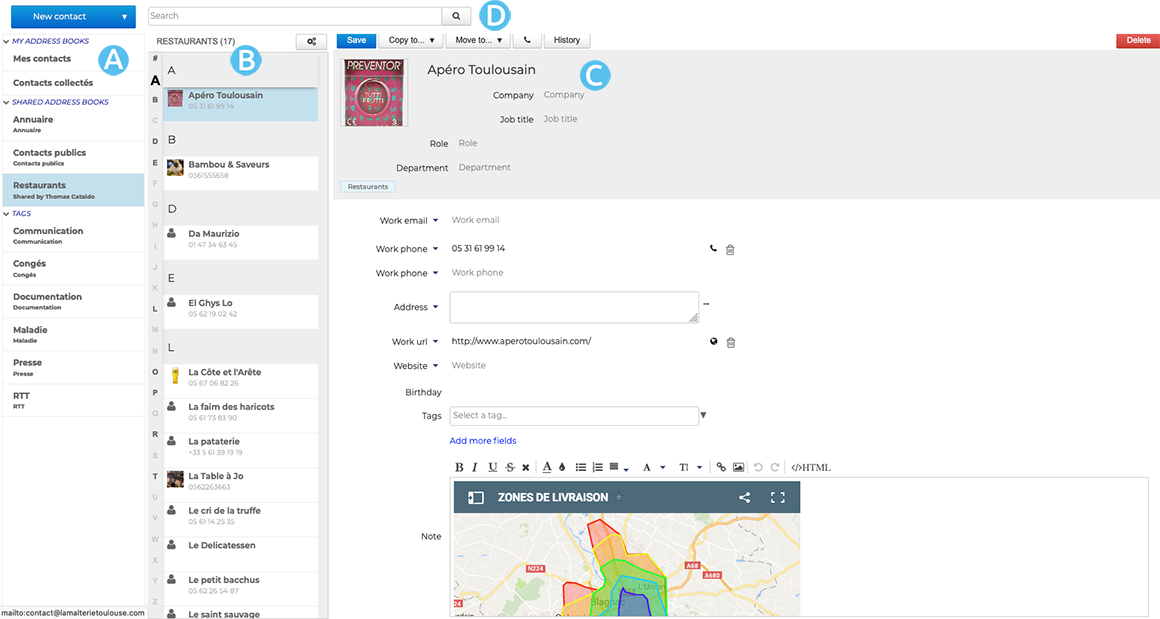
 : in the 1st column, under the "New contact" button, you'll find the list of address books accessible by the user (personal address books and those to which he/she has subscribed), as well as the list of categories, enabling you to quickly find indexed contacts (see below).
 -
 : The second column shows the contacts from the address book selected in the first column
💡 The vertical alphabet on the left-hand side of the area makes it easier to navigate through contacts, and letters with contacts are highlighted in bold black for greater visibility.
-
 : The third column, the main display area, shows the contact card for the contact selected in the second column.
 :
: Identifying contact types
BlueMind has different types of contacts: personal or group, personal or shared. Their functionalities and address book membership vary according to their nature.
| Contact Type | Usage |
|---|---|
| INTERNAL USERS Members of your organization 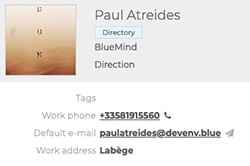 | Address book : Internal users are created by the administrator and are part of the Directory You can: - Creating and Sending a message to the contact - send an invitation to a meeting with or without videoconferencing to the contact - include the contact in a distribution list You cannot: - edit the contact's file. They are created and managed by your administrator |
| EXTERNAL USERS Users outside your organization, e. g. service providers. 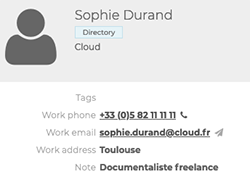 | Address book: - External users created by the administrator are part of the Directory - External users created by the user are part of the Personal notebooks We can : - Creating and Sending a message to the contact - send an invitation to a meeting with or without videoconferencing to the contact - create and edit the contact's record from the personal notebooks - include the contact in a distribution list We cannot: - edit the contact's record from the directory. They are created and managed by your administrator |
| DISTRIBUTION LISTS Lists with several users with common needs or objectives 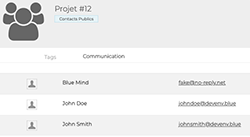 | Address book : Distribution lists are created by the user and are part of personal address books You can: - Creating and Sending a message to all list members - send an invitation to a meeting, with or without videoconferencing, to all list members - create and edit a distribution list You cannot: - display the agenda of list members |
| USER GROUPS A group brings together several users with common needs or objectives. 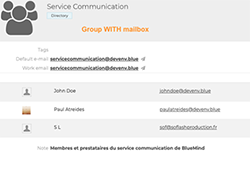 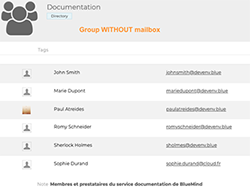 | Address book : Groups are created by the administrator and are part of the Directory You can : - send an invitation to a meeting with or without videoconferencing to all members of the group - display the agenda of all members of the group - Creating and Sending a message to all members of a group with an e-mail address - members of a group with an e-mail address can receive messages sent to the group on their own e-mail address - members (with extended rights) can write on behalf of the group (see Using Shared Mailboxes) It is not possible : - send e-mail to a group without an e-mail address |
| LES BOITES PARTAGEES Ce sont des boites aux lettres communes à plusieurs utilisateurs ou groupes d'utilisateurs. 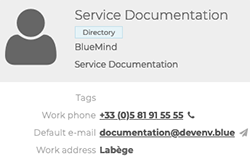 | Address book: Shared mailboxes are created by the administrator and are part of the Directory You can : - Creating and Sending a message to all members of the shared mailbox - members can receive, view (and even manage) messages and folders in the shared mailbox - members (with extended rights) can write on behalf of the shared mailbox(see Using Shared Mailboxes) We cannot: - send invitations to the shared mailbox - view the shared mailbox calendar |
| RESOURCES Organization facilities or tools available to users, e.g. meeting rooms. 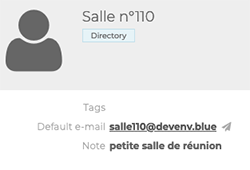 | Address book : Resources are created by the administrator and are part of the Directory You can: - reserve the resource - the resource administrator and/or manager can manage reservations You cannot: - edit the resource's contact details. They are created and managed by your administrator |
Searching or filtering contacts
The search engine
The search engine allows you to search for contacts by keyword: enter a word and validate with the Enter key or the magnifier button :
:
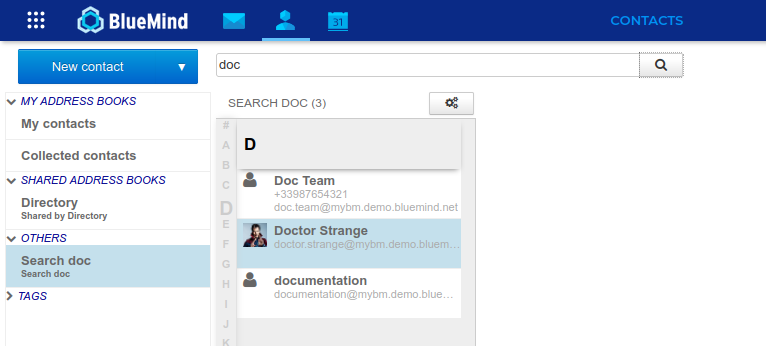
To quit the search, click on a notebook to return to it.
The search engine :
- in all the notebooks currently displayed, and in these only
- in all contact form fields
Filtering by tag
It is possible to associate keywords with contacts: categories.
To search for records associated with a category, click on it in the left-hand column (see above):
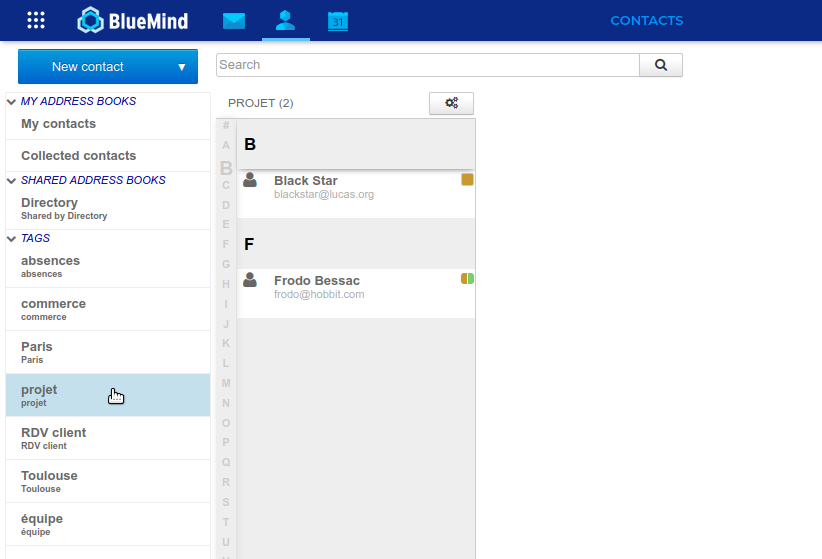
↳ The corresponding records are then searched in all the notebooks currently displayed in the application.
To quit the search, click on a notebook or another category.