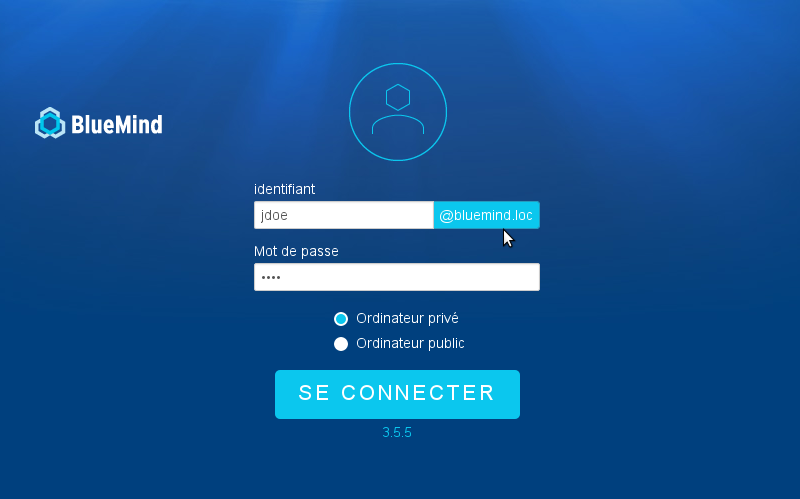
Simplified login
Introduction
In order to allow users to log into BlueMind by simply entering their username (leaving out the domain name, e.g. "jdoe" instead of "jdoe@bluemind.loc"), you can set up a default domain on the server side.
:::info Other domains
When this is set up, users can still log into another domain. In that case, they must then enter the full domain name (e.g.: jdoe@yellowmind.loc).
:::
Implementation
- Edit the file
/etc/bm/bm.ini, adding the following command line at the end:
default-domain=bluemind.loc
Note: replace bluemind.loc by the appropriate domain name.
- Restart the service "bm-hps":
service bm-hps restart
The login page then appears as follows: