Introducing Contacts
BlueMind uses address books to manage contacts.
These address books can be synchronized with mail software (Outlook, Thunderbird) and smartphones (iPhone, Android, etc. depending on device possibilities) are organized in 2 categories:
It is also possible to send a message or call a contact directly from their file, index contacts with categories, create distribution lists, share contacts between groups or users, and access a company address book.
Accessing the Contacts application
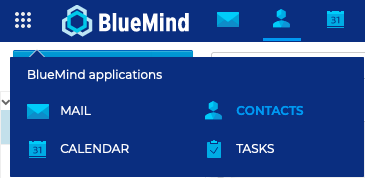
You can access the Contacts application from the main BlueMind navigation ribbon.
Navigating the Tasks application
-
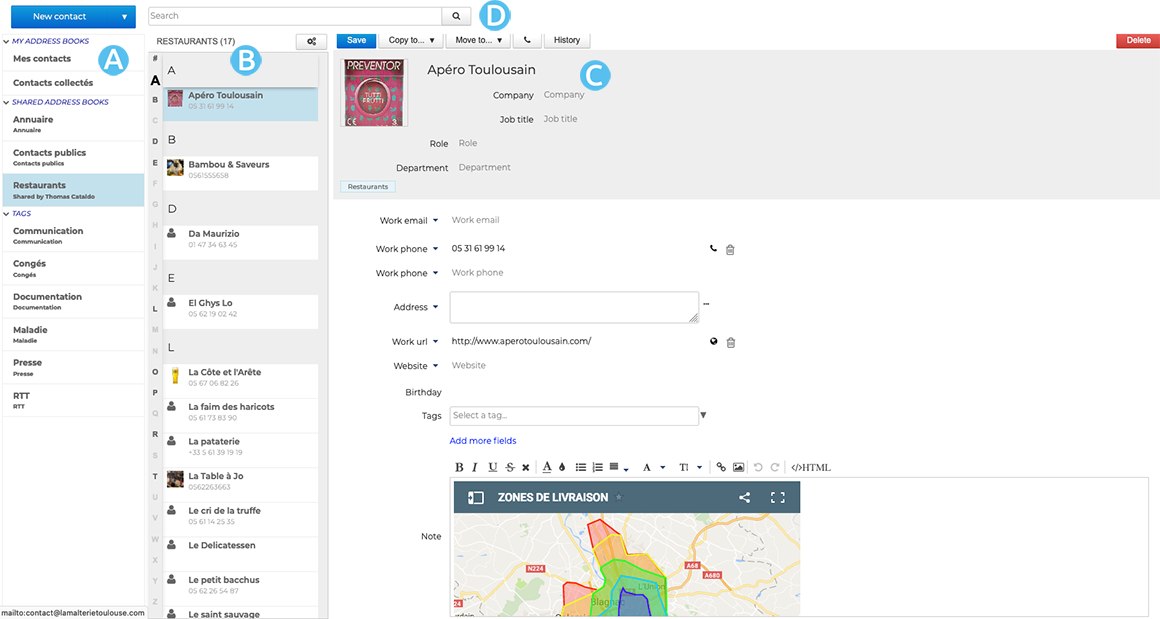
 : The first column, under the "New contact" button, shows the list of address books you have access to - your personal address books and shared contacts - as well as the list of tags to help you find tagged contacts easily
 -
 : The second column shows the contacts from the address book selected in the first columntip
The vertical alphabet on the left helps navigate contacts quickly - the letters with contacts in them are highlighted in bold and black.
-
 : The third column, the main display area, shows the contact card for the contact selected in the second column.
 -
 : search box
Identifying contact types
BlueMind has different types of contacts: personal or group, personal or shared. Their functionalities and address book membership vary according to their nature.
| Contact Type | Usage |
|---|---|
| INTERNAL USERS Members of your organization 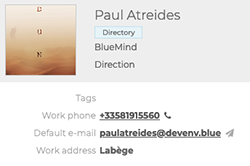 | Address Book: Internal users are created by the administrator and are part of the Directory You can: - send an email to the contact - send an invitation to a meeting with or without video conferencing to the contact - add the contact to a mailing list You cannot: - edit the contact's profile. They are created and managed by your administrator |
| EXTERNAL USERS Users outside your organization, e. g. service providers. 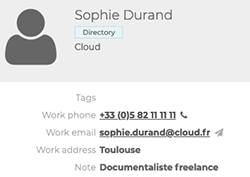 | Address Book: - External users created by the administrator are part of the Directory - External users created by the user are part of the personal address books You can: - send an email to the contact - send an invitation to a meeting with or without video conferencing to the contact - create and edit the contact's profile in the personal address books - add the contact to a distribution list You cannot: - edit the contact's profile in the directory. They are created and managed by your administrator |
| DISTRIBUTION LISTS Lists with several users with common needs or objectives 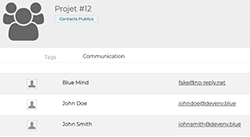 | Address Book: Distribution lists are created by the user and are part of personal address books You can: - send an email to all members of the list - send an invitation to a meeting, with or without videoconferencing, to all members of the list - create and edit a distribution list You cannot: - view the calendars of list members |
| USER GROUPS A group brings together several users with common needs or objectives. 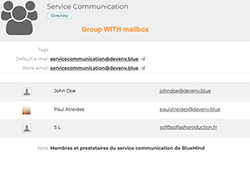 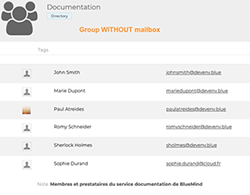 | Address Book: Groups are created by the administrator and are part of the Directory You can: - send an invitation to a meeting—with or without videoconferencing—to all group members - view the calendar for all group members - send an email to all members of a group with an email address - members of a group with an email address can receive emails sent to the group at their personal email address You cannot: - send emails to group members without email addresses - send emails on behalf of a group with an email address (or create an identity using the group’s email address) |
| SHARED MAILBOXES These are mailboxes shared by multiple users or groups of users. 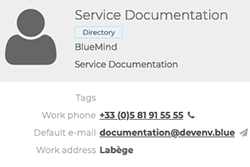 | Address Book: Shared mailboxes are created by the administrator and are part of the Directory You can: - send an email to all members of the shared mailbox - members can receive, view (or even manage) emails and folders in the shared mailbox - members (with extended permissions) can send emails on behalf of the shared mailbox You cannot: - send invitations to the shared mailbox - view the shared mailbox's calendar |
| RESOURCES Organization facilities or tools available to users, e.g. meeting rooms. 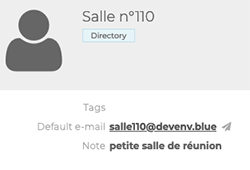 | Address book : Resources are created by the administrator and are part of the Directory You can: - reserve the resource - the resource administrator and/or manager can manage reservations You cannot: - edit the resource's contact details. They are created and managed by your administrator |