Directory Browser
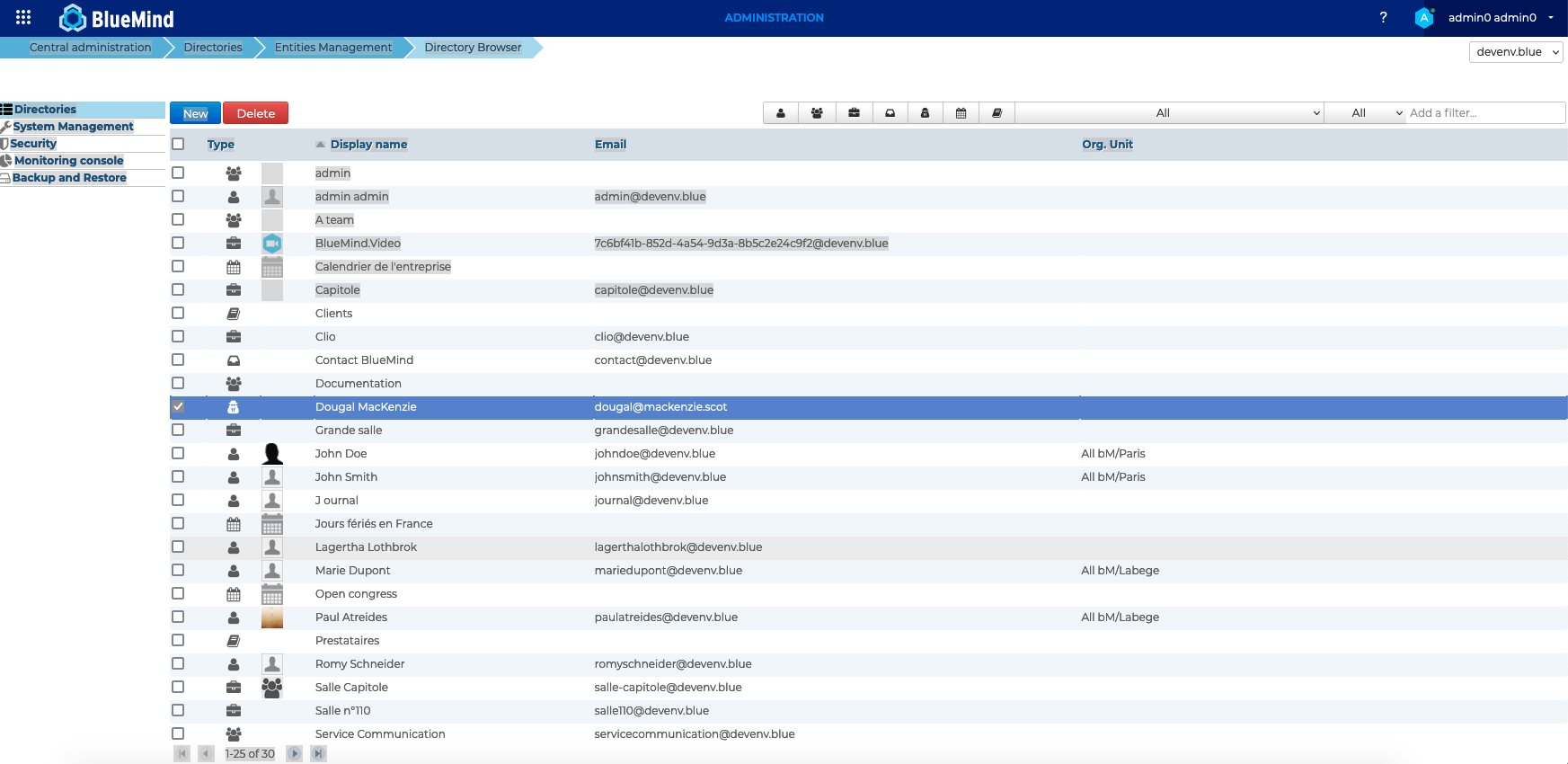
The Directory gathers all the entities of the domain. In order to facilitate the search, the application allows sorting and/or filtering the entities in the list.
Sorting entries
By default, entries are presented sorted alphabetically by name.
An arrow shows the current sorting column and order. To change the sorting order, click the header of the corresponding column.
Filtering entries
Shown entries can be filtered using the form at the top right of the entry list:

BlueMind offers several types of filters:
- Type of items: The first 6 buttons allow you to display or hide a type of items: users, groups, resources, shared mailboxes, calendars, address books.
When a button is enabled, it is grayed out and matching entries are displayed. One can thus display one or more types of entries by activating one or more buttons, for example to view calendars and domain address books: To reset the filter, return each button to its initial ungreyed state.
 - Status: The following dropdown list allows you to filter entries according to their status:
 To reset the filter, choose the "All" option.
 - Server: Select the desired server from the list:
 To reset the filter, choose the "All" option.
 - Add a filter...: The final input field allows you to filter entries based on a string of characters.
Type the word (partial or complete) and confirm with the <Entrée> key: all entries containing these characters in their name or username are displayed.
To reset the filter, clear the field and confirm with the <Entrée> key.
Note: the search is not case-sensitive, it doesn't distinguish between uppercase or lowercase.
Filters are cumulative. This means you can display active users containing "jo" in their name and/or username:
